01
Create your trainer workspace
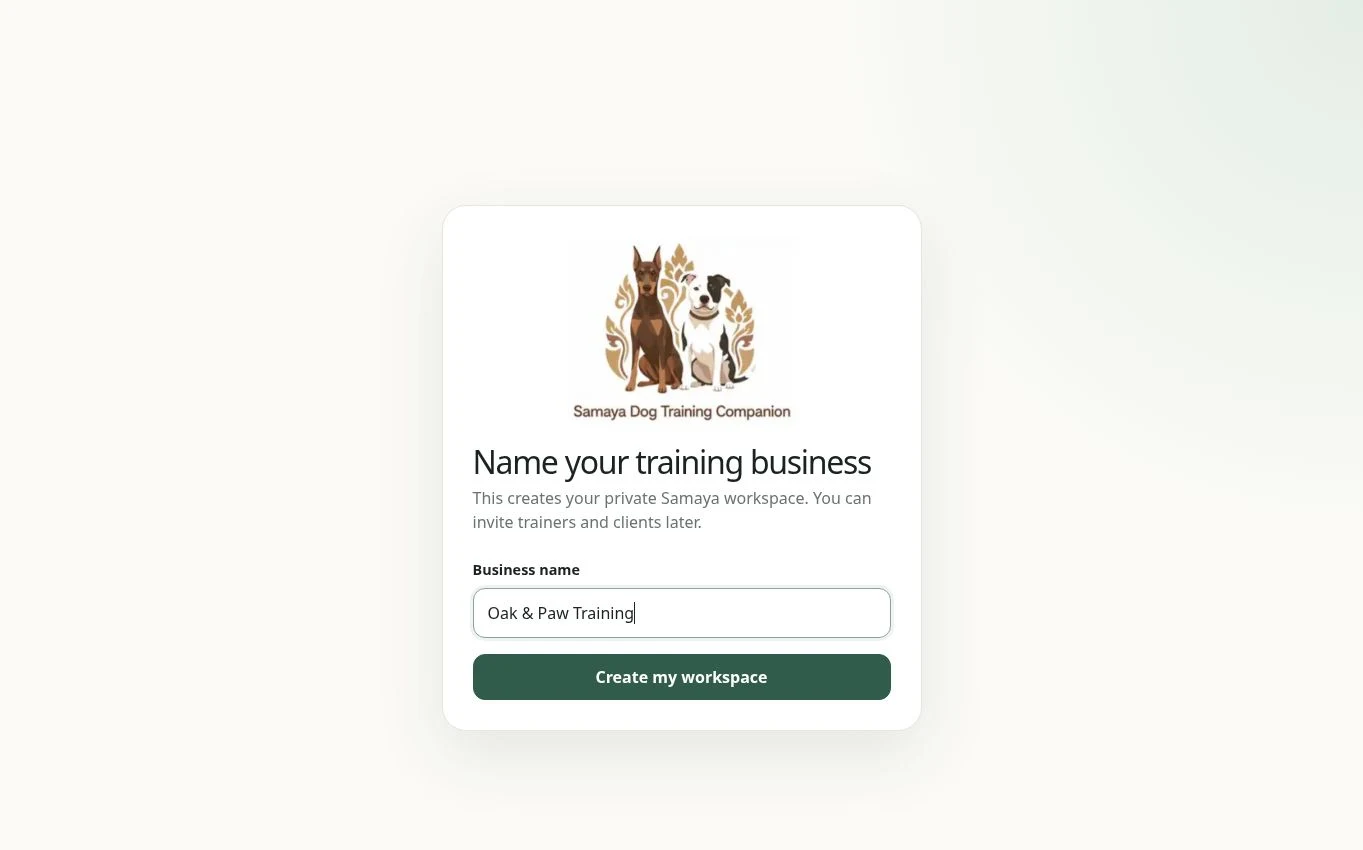
Create a trainer account, confirm your email, and name your business. This gives you a private workspace for your dogs, lessons, and clients.

Try homework from both sides, then see how to set up your own workspace. Keep your booking and payment tools. Start with one dog when you’re ready.
No account needed to explore. No client data to move.
Meet Maple, our fictional demo dog. Publish her homework, try the client view, and see what comes back to the trainer.
Interactive sample · No account needed · Changes stay in this page and disappear when you reload. Nothing is sent to a trainer.
Start with one clear task. In Samaya you can also save lessons, choose dates, and link homework to a goal.
This is a simplified walkthrough. The screenshots below show the actual app. Questions and replies are available to signed-in clients; shared practice links let clients view homework and log practice without an account.
Actual app screenshots with fictional demo records. Select a screenshot to open the full-size image.
Create a trainer account, confirm your email, and name your business. This gives you a private workspace for your dogs, lessons, and clients.
Choose Add dog to enter the basics yourself, or create an intake link for a client to fill out. Review submitted intakes before approving them. You can start with just one dog.
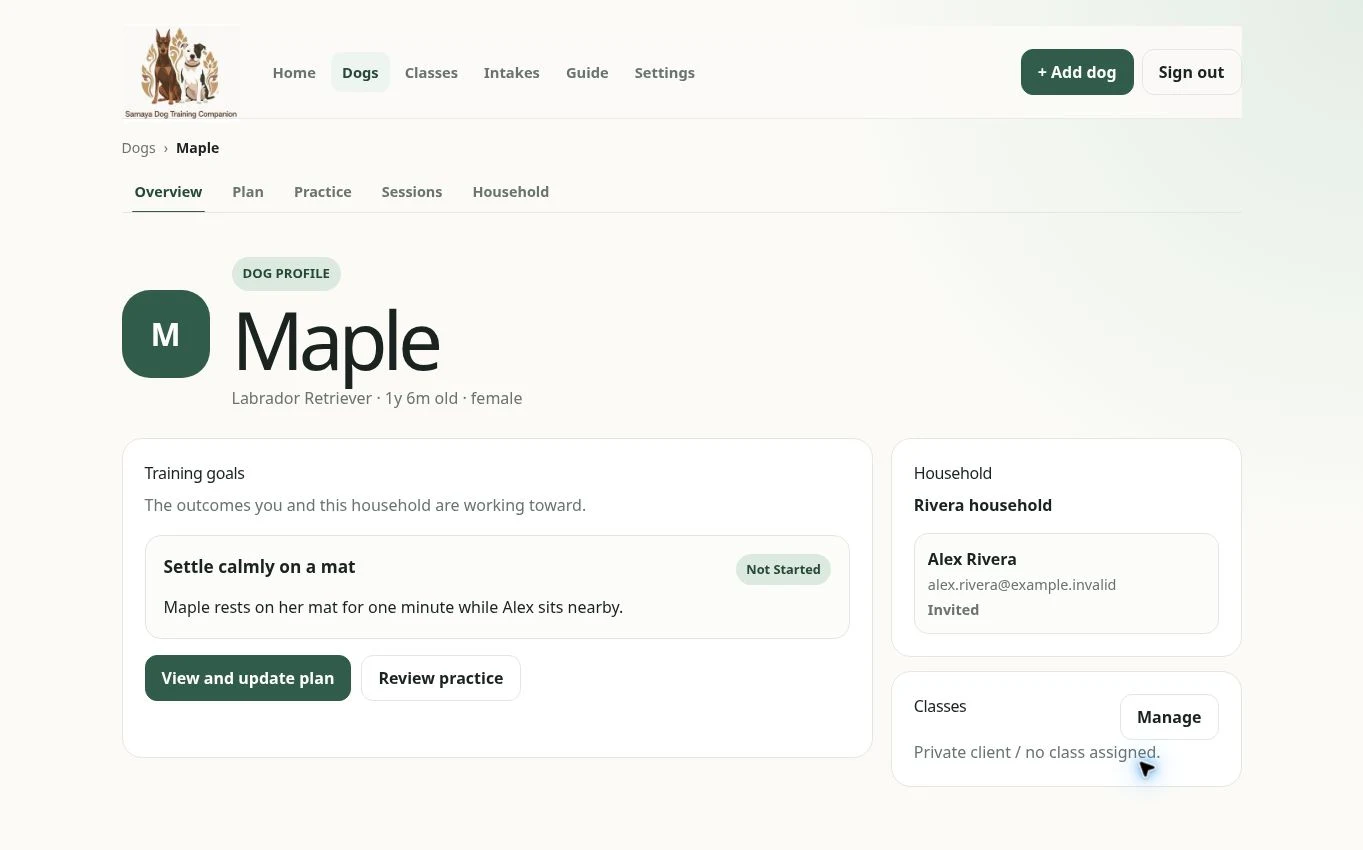
Open the dog’s Plan, create homework or reuse a saved lesson, and add clear instructions and a practice schedule. Publish it, then use the sharing section to copy a homework link or message to send yourself.
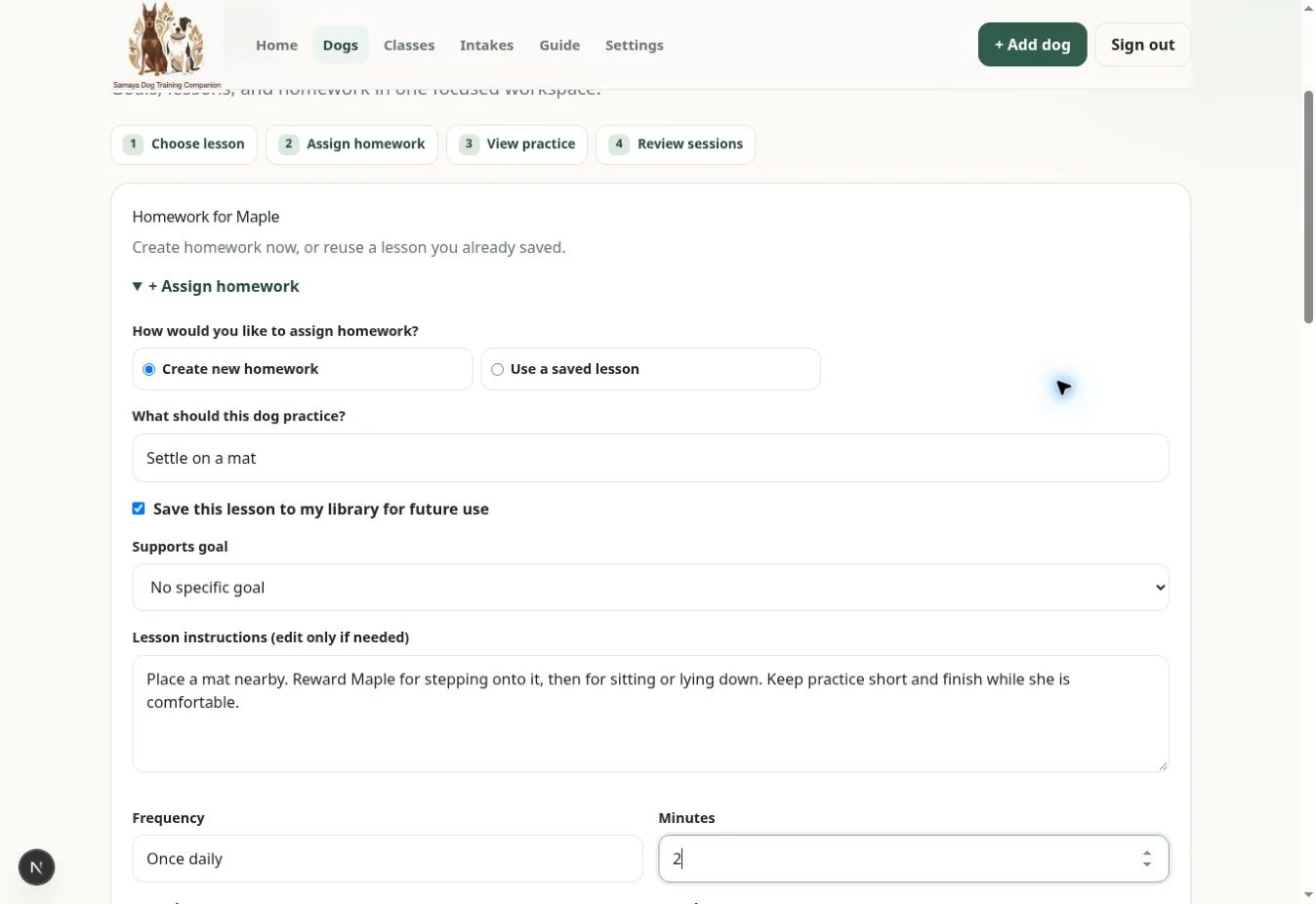
Clients open the homework in their browser and log how practice went. A shared practice link works without an account. A client account adds access to the linked household and homework questions and replies; use the email on the household record.
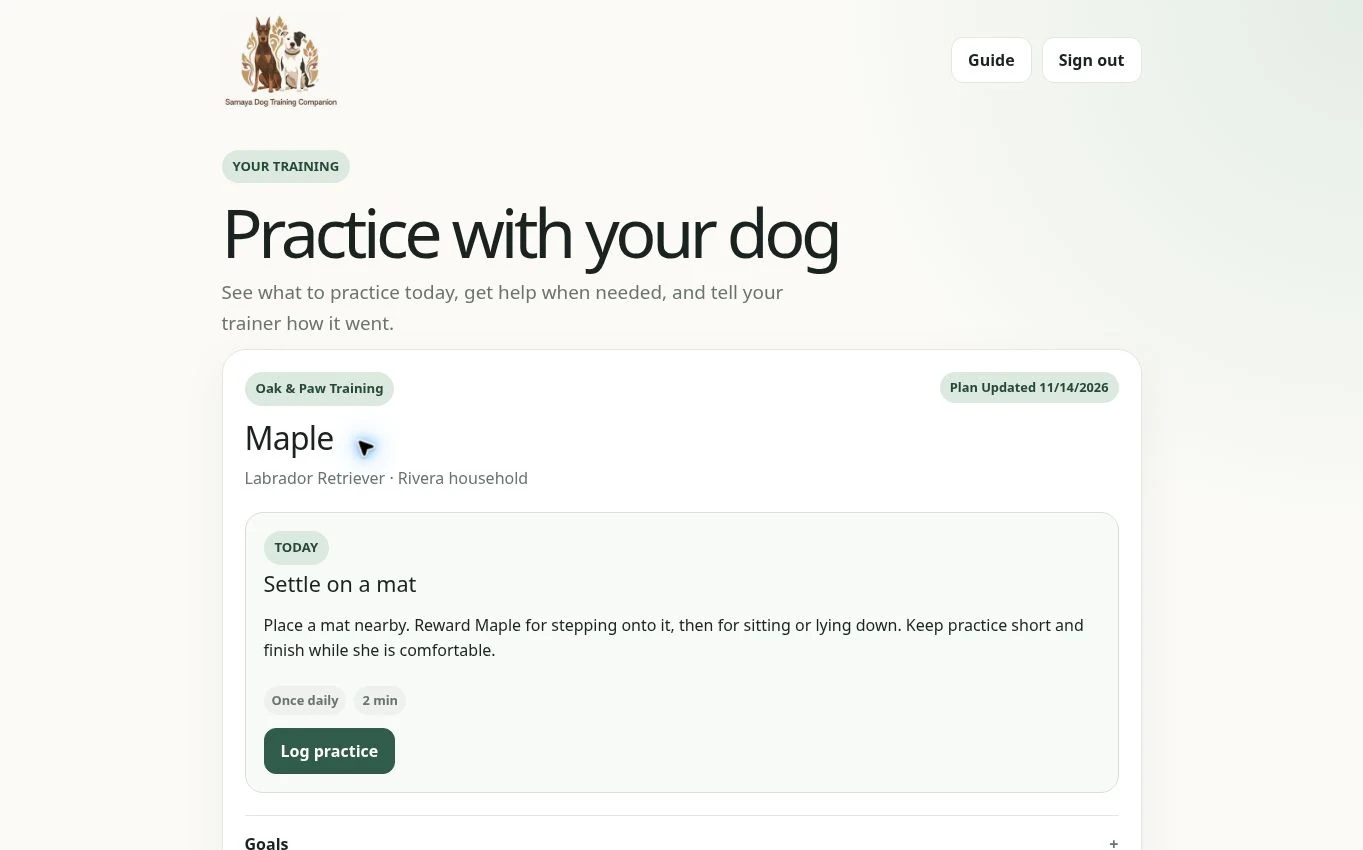
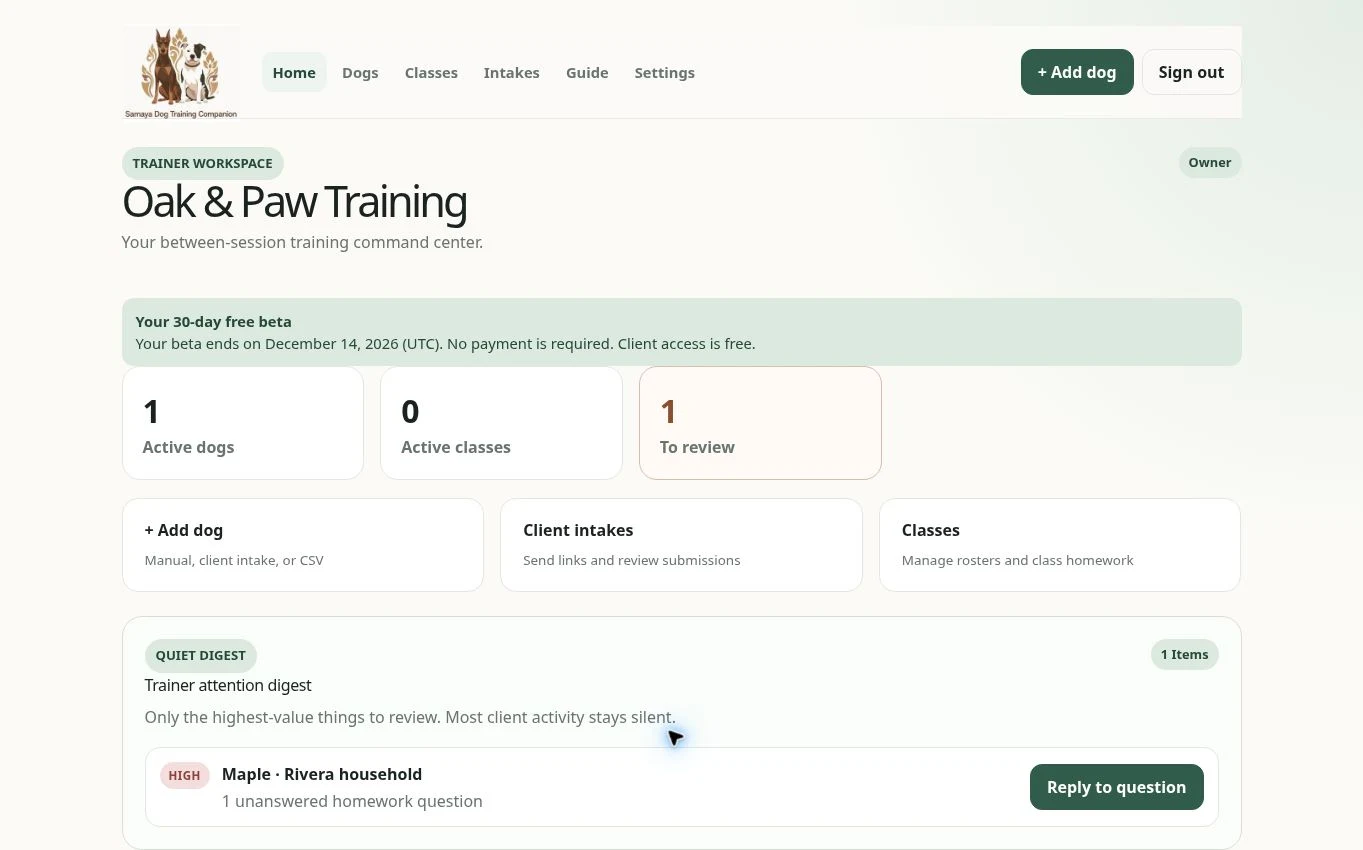
The trainer dashboard highlights items that need attention, including unanswered homework questions. Review practice, reply to questions, and keep session notes. You decide whether to change the plan.
Save lessons to your library. Assign them to individual dogs, or use class homework for a group.
Give the household a clear plan and a place to log progress, without relying on everyone’s memory next week.
Homework questions, trainer replies, and session notes stay connected to the dog’s training.
You don’t need to move your whole business to find out whether Samaya helps. See the beta details before creating your workspace.